Settings
 Infos
Infos
Here you can make the following settings:
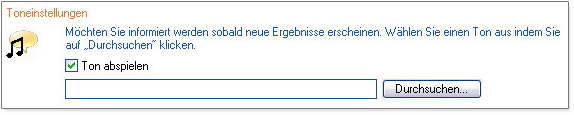
- Sounds setting - – Here you can define whether the reader is to inform you by emitting a sound when new results have been found. To define the sound to be used yourself, use the "Scroll" function.
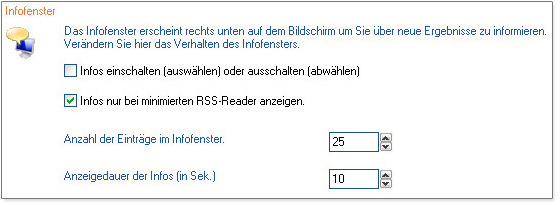
- Settings info window - You can use this menu to configure the reader’s info window. Tick the appropriate box if you want the info window to be displayed every time a new item of news comes in or if you only want the info window to be displayed when the reader is minimized. In this menu, you can also define the maximum number of news items that are to be displayed in the info window and the length of time for which they are to be displayed, in seconds.