User Interface
Audio view
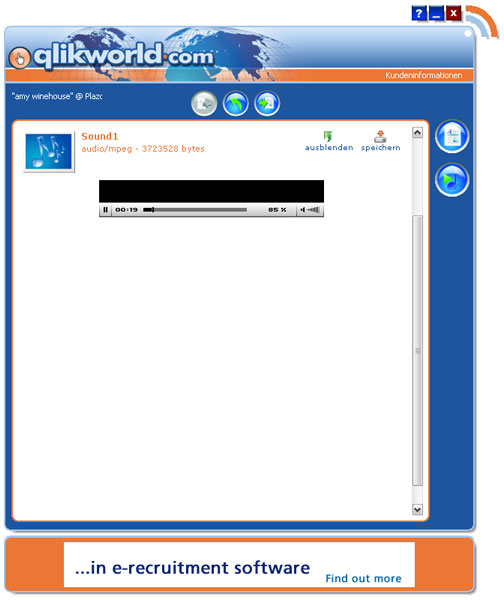
To access the audio view, select a news item that contains an audio file. After doing this, click on the “file attachment” button in the detailed view. After doing this, click on the “file attachment” button in the detailed view. The audio view will be opened. You can then listen to the audio file using the audio player that is integrated into the reader..
However, external players such as QuickTime Player, Real Player or others may be needed for certain audio file formats.