User Interface
Image view
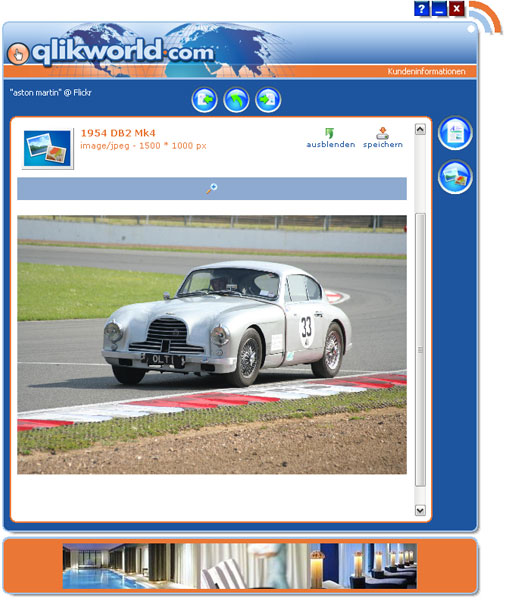
To access the image view, you must select a news item that contains an image file.
After doing this, click on the “file attachment” button in the detailed view. The image view will be opened. In this view mode, you can view the image and zoom it in or out, depending on its size.