User Interface
The Main window and the Info window
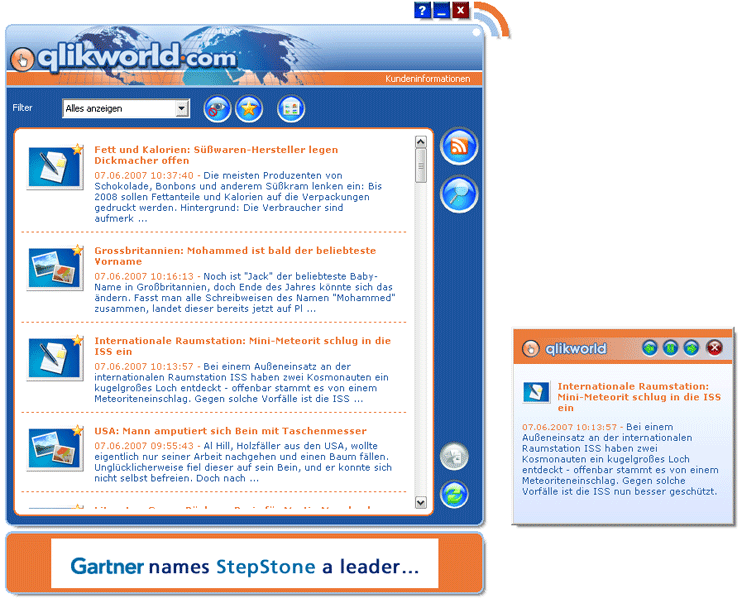
You are shown the main window after starting the reader. It contains the news (either as a list or as a gallery view), the filter and most of the usual reader buttons.
The filter
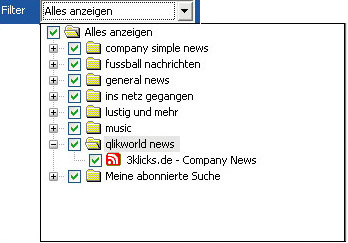
The filter assists you in structuring your feeds. The contents of the news list will vary, depending on the items you have selected from this drop-down menu.
List view
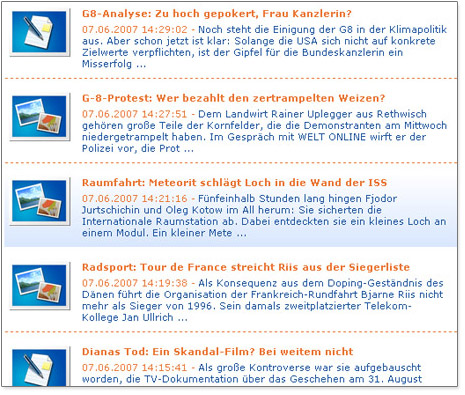
The list view is the default display mode of the reader. This means that the reader shows the individual news items with a small image, the headline, the date and an excerpt of the text.
When you click on one of these news items, the reader will show a detailed view of the news as well as a link to the source of the news item.
Photo or image view
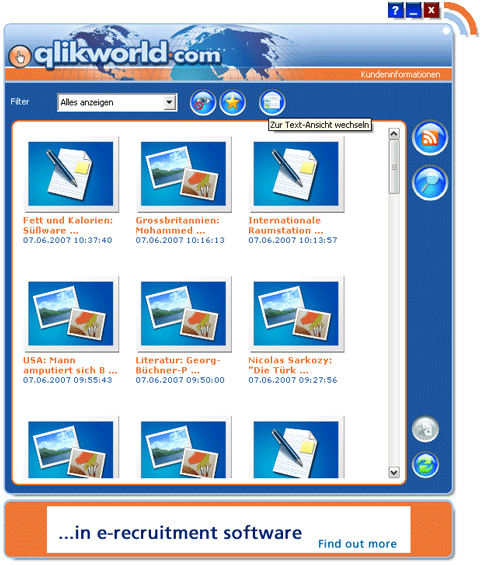
The photo or image view shows the news items of the displayed feed with a larger image, the date and an excerpt of the headline.